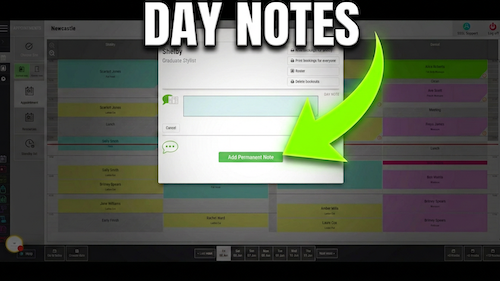
Video walkthrough: viewing one team member’s diary across the week in Salon Manager.
Quick answer
Select the calendar icon on the team member column
Hover over the team member column, select the calendar icon at the top right, then use the navigation buttons at the bottom to move between weeks.
Before you start
Check these details first
Access to the Salon Manager diary
The team member whose week you want to view
Step-by-step instructions
How to open weekly diary view
Follow these steps to review one team member’s appointments across multiple days.
Useful tips
Use weekly view to check future availability
Use weekly view when checking a team member’s upcoming availability.
Use the bottom navigation buttons to move forwards or backwards through the weeks.
Return to the normal diary before making day-specific changes when that suits your workflow better.
Troubleshooting
Common issues and what to check
Frequently asked questions
Weekly diary view questions
Can I view one team member’s week?
Yes. Use the calendar icon on the team member column.
Can I return to the normal diary display?
Yes. Select the calendar icon again on the day you want to view.
Offline reference
Download this guide as a PDF
Keep a printable copy for diary users or use it during staff training.
Last reviewed: 16 June 2026.