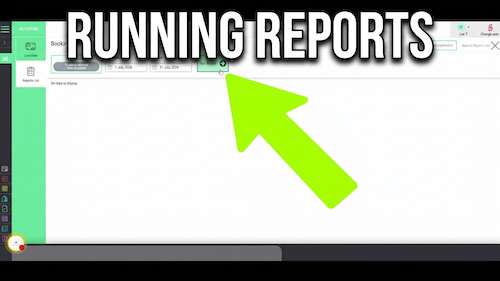
Running reports
[data-sm-page="guide-04-run-reports"],[data-sm-page="guide-04-run-reports"] *{font-family:Arial,Helvetica,sans-serif !important;box-sizing:border-box;}[data-sm-page="guide-04-run-reports"] h1{font-family:...
Video walkthrough: changing the colour assigned to a bookout reason in the Salon Manager diary.
Quick answer
Open Add Bookout from an empty diary slot, edit the relevant bookout reason, choose the new colour, then select Confirm.
Before you start
Step-by-step instructions
Follow these steps to update the colour used by a bookout reason in the diary.
Useful tips
Troubleshooting
Frequently asked questions
Yes. Edit the bookout reason and choose a new colour.
Select an empty diary slot, then choose Add Bookout.
Yes. Edit each reason and choose the colour you want it to use.
Offline reference
Keep a printable copy for reception teams or use it during staff training.
Last reviewed: 16 June 2026.